VantaCode
November 13, 2026

A lot of new customers don't start with your name. They start with a need. They type "plumber near me," "coffee shop nearby," or the kind of work you do plus their town. What they often see first is a map and a short list of nearby businesses, right there on their phone.
If your Google Business Profile is in that list, they've found you. The next few seconds decide whether they call, get directions, open your website, or keep scrolling. Two things help most in that moment: a complete, verified profile, and a real website sitting behind it.
1. How people find local businesses now
People look for local help on their phone, often while they're already out or trying to get something done today. A search like "near me" usually brings up a map and a handful of businesses close by, along with stars, hours, and a way to tap for more details.
They may also search your name after a friend mentioned you, or after they drove past your sign. Google Search and Google Maps often show the same Business Profile either way.
That first look is quick. People compare a few options. They check whether you're open, whether the photos look current, whether the reviews feel real, and whether it's easy to take the next step. If those basics are missing or messy, they often just try the next listing.
2. What a Google Business Profile is, and what it shows
A Google Business Profile is the free listing Google can show for your business on Maps and in local search. When it's claimed and filled in, it can display the details people look for before they reach out: your name and category, hours, photos, reviews and your replies, a phone number they can tap to call, directions, and a Website button.
You don't have to be a storefront. If you travel to customers, you can set the areas you actually serve and keep your home address private. What you shouldn't do is invent a location just to appear on the map. The profile should match how the business really works. It's a short introduction, not the full story of your work.
3. Why a complete, verified profile matters
Google says local results are based mainly on three things: relevance, distance, and prominence. Relevance is how well your profile matches what someone is searching for. Distance is how far you are from the person searching, or from the place they named. Prominence is how well-known the business is. Google also notes that prominence can include how many websites link to you and how many reviews you have, and that more reviews and positive ratings can help your local ranking.
You can't change where a customer is standing, and you can't pay Google for a better organic spot in those local results. What you can do is make the profile complete, accurate, and verified. Verification tells Google you're authorized to represent the business, which makes the profile more likely to show up. Google also says businesses with complete and accurate information are more likely to appear in local search.
A neglected profile gives Google less to work with, and gives people less reason to trust you. Ask every customer for a review the same way after the work is done, make it easy with your review link, and don't offer a discount or gift in exchange.
4. When they tap Website and nothing useful is there
Finding you is only half the job. Many people will tap Call or Directions if they're ready right now. Many others will tap Website, because they still have questions the listing didn't answer: what you actually offer, what a typical job looks like, or how to get in touch in writing. If that button leads nowhere, the interest often cools off. They may get a broken link, a stale page, or a Facebook page that was started and then left alone.
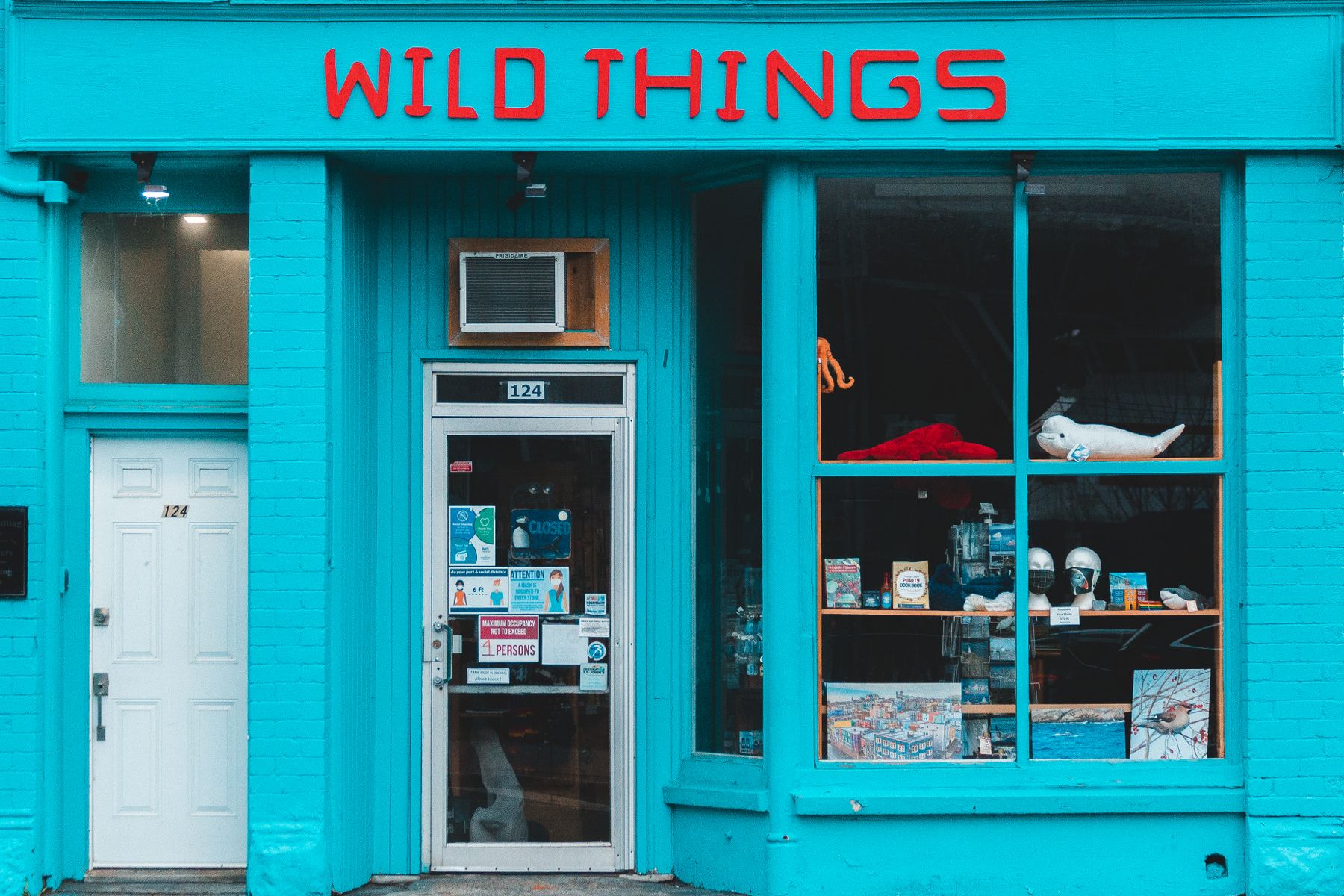
A social page can still be useful, and some customers will look there on their own. It isn't a stand-in for your website, though. Google also asks that the website on your profile be the real site for the business, not a social page or some other stand-in. The button should take them to a page you actually keep up, with your real name, hours, and a way to reach you.
Plenty of good businesses put the work first and put off the website. In that moment, the customer has no quiet place to get the rest of the story, so they move on.
5. How the profile and a website work together
Think of the profile as the introduction and the website as the room behind it. The profile helps people find you and check the first facts: are you nearby, are you open, do other customers trust you, can they call or get directions? The website is where they can slow down, see what you do, and get in touch in writing.
The two should match. If your listing says one phone number and your site says another, or the hours don't agree, people notice. Same name, same contact details, same story.
A website also gives the rest of the web something solid to point to. Google includes, as part of prominence, information such as websites that link to your business. Some people will still just call from the map, and that's fine. The site is there for the ones who aren't ready yet.
6. A quick setup checklist
You can do this yourself with Google's free tools, or get help, but the owner should stay in control of the profile:
- Claim the profile and verify it. Verification should be done with the owner. If someone helps you later, they can be added as a manager. You should remain the owner.
- Choose the category that best describes what the business actually is, not a grab bag of every service you might offer.
- Add accurate hours, including holiday or temporary changes. If you work by appointment only, say so clearly.
- Add real photos of the work, the space if you have one, and anything that helps a stranger recognize you.
- Ask every customer for a Google review the same way, after the job is done, with your direct review link. Don't pay for reviews or offer a reward for one.
- Link a real website that loads on a phone, explains what you do, and makes it easy to get in touch. Make sure the name, phone number, and hours on the site match the profile.
- Keep it updated. When hours change, a service is added, or a photo is out of date, fix the listing.
If you go to your customers, use a real service area and don't publish an address you don't operate from. Google doesn't allow P.O. boxes or virtual offices used only as a mailing address.
Takeaway
Getting found on Google Maps is a strong start. What happens next depends on whether the listing is complete and trustworthy, and whether the Website button leads somewhere that actually helps. Claim and verify the profile, fill it in honestly, ask for reviews the right way, and put a current website behind the button people are already tapping.
If you want a simple website that can sit behind your Google listing and answer those next questions, VantaCode can help with that.
Comments (0)
No comments yet. Be the first!